Declare
Define the model, screens and process in YAML, with Java extensions when needed.
How it works
JCM turns reviewable declarations into the building blocks of case management. Your team works in an application. Your developers work in its repository.
Define the model, screens and process in YAML, with Java extensions when needed.
Run jcm check for startup, tests, extension API and layer checks.
Walk the program’s cases. Review access, accessibility and the generated changes.
Release through your team’s approved environment and change process.
A shared view of the process
Studio provides a visual way to work with application configuration. Bring reviewed changes back to the same repository for checks and delivery.
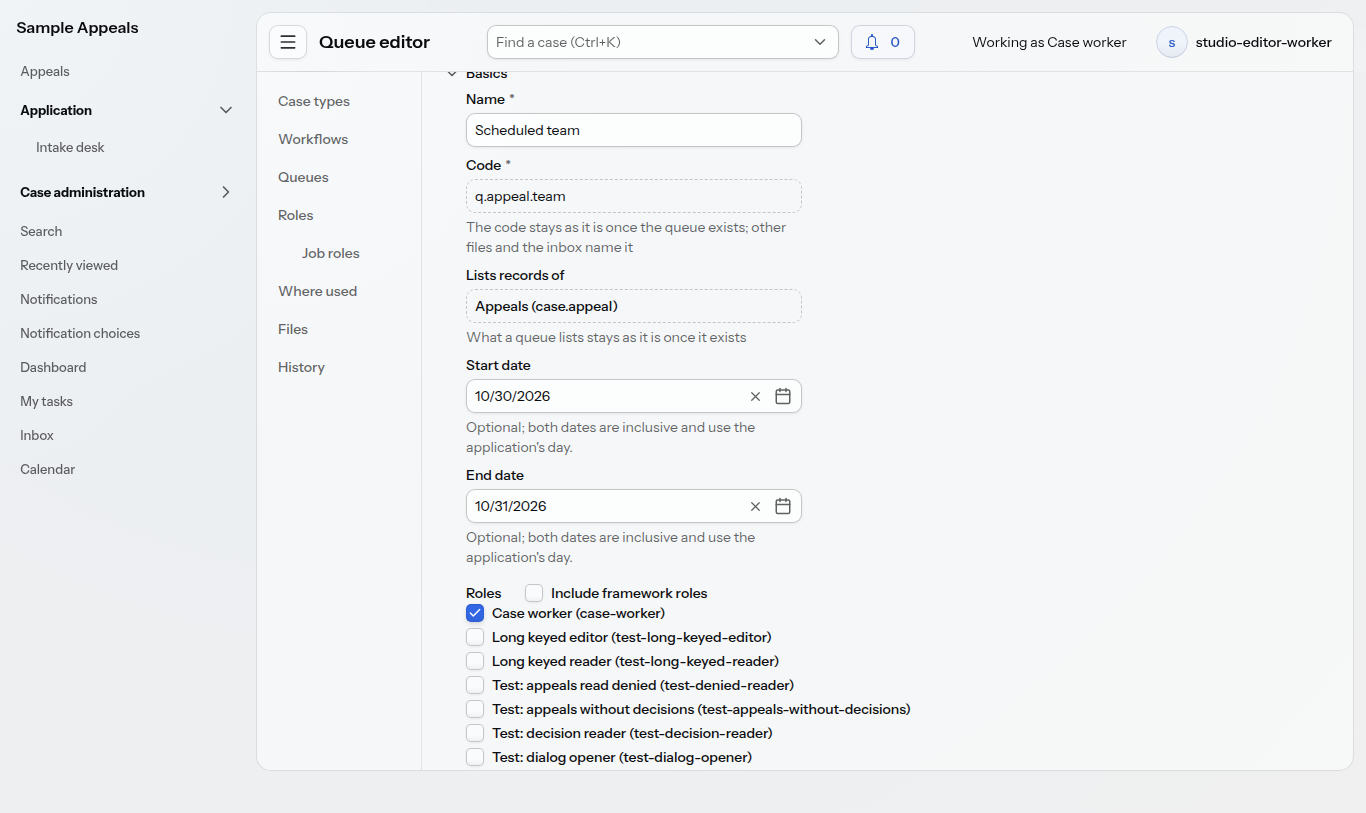
This captured test screen includes example role names. A program’s actual permissions require their own review and restricted-user tests.
Workflows
Declare states, transitions and the conditions that permit a case to move forward. Keep the process in reviewable files alongside the application.
Queues
Organize cases into shared and personal work lists. Configure how people take the next case and which work is available to them.
Clocks
Connect deadlines and tasks to the lifecycle of a case. Make calendar rules and the work they trigger part of the application’s configuration.
Letters
Use letter templates to prepare correspondence from case information. Review the wording and data mapping as part of program delivery.
Hearings
Bring scheduling and hearing slots into the case process, with the supporting work visible to the team.
Forms & records
Declare the data a program needs and how people work with it. Extend the application in Java where program logic calls for code.
Delivery is more than passing a build. Check representative journeys, keyboard and screen-reader use, access boundaries and operational readiness before release. WCAG 2.1 AA is the accessibility target; we test against it and don’t claim product-wide certification.